How to Size a Hotel's Network
Updated: June 30, 2026
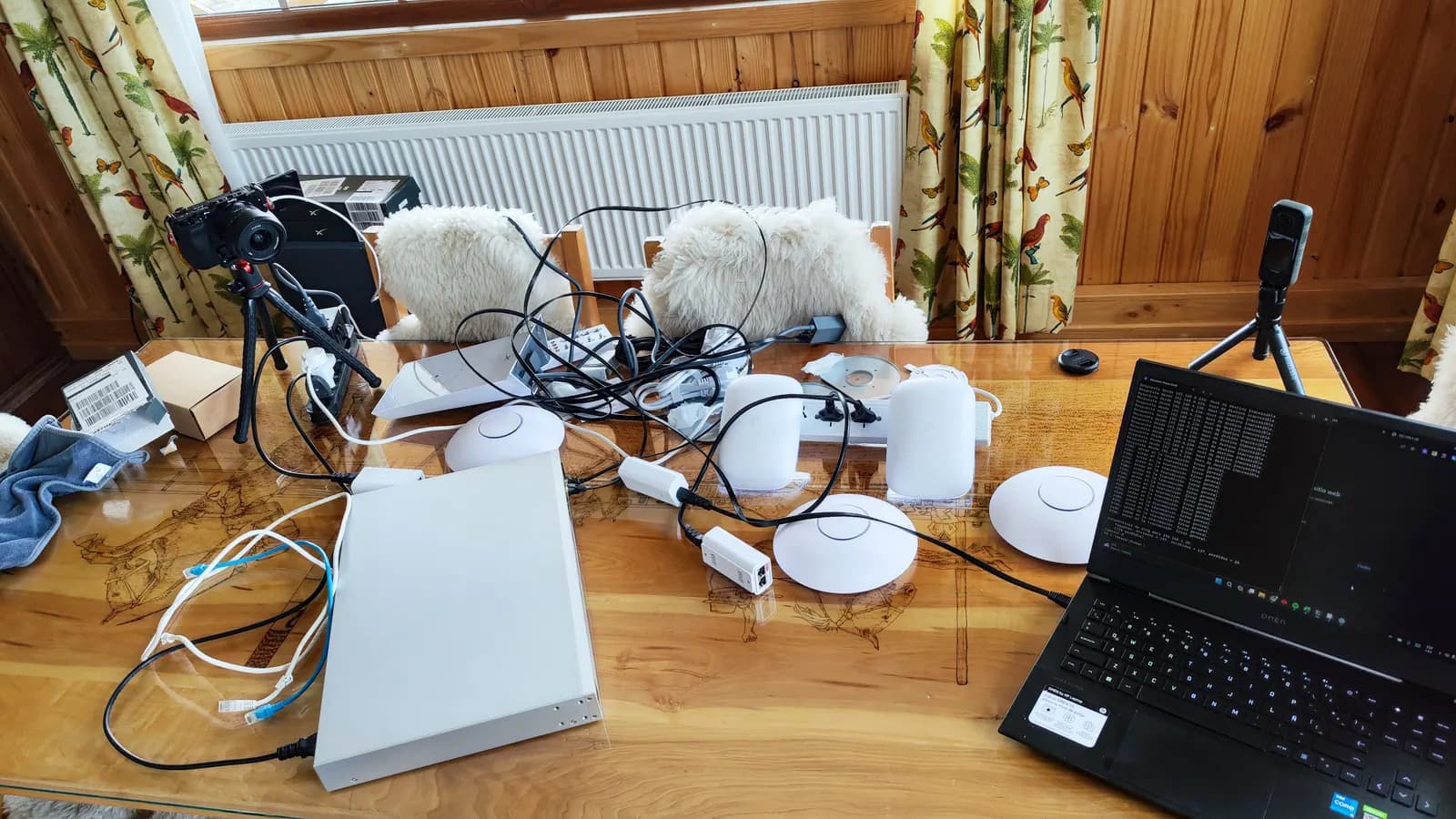
94% of travelers consider WiFi the most important hotel amenity — and yet most hotel networks are designed by intuition: 'one router per floor' or 'let's buy the biggest internet package the ISP offers'. This guide is the actual technical process we use at DITAP to size a hotel network: how many devices to support, how much bandwidth to contract, how many access points to install and where, and how to segment everything without the guest ever noticing from their room.
Why a hotel network isn't sized like an office
An office has a stable, predictable user population: the same people, the same devices, the same usage pattern day after day. A hotel has a population that fully turns over every 24 to 72 hours, with simultaneous connection spikes (afternoon check-in, everyone connecting 3 or 4 devices at once), and near-zero tolerance for failure: a guest doesn't file a support ticket, they write a one-star review.
That combination — high turnover, usage spikes and zero tolerance — is what makes the 'one router per floor' logic useless. Sizing has to start from real data about the building and the guest profile, not a generic rule copied from another project.
The site survey: the step you can't skip
A professional site survey measures the building's actual RF coverage before a single access point is installed. It accounts for construction materials (concrete and metal attenuate signal far more than drywall), interference from neighboring devices, and expected user density per zone — a standard room isn't the same as the lobby during check-in hour.
The result is a heat map showing exactly where coverage is needed and at what strength — the difference between installing access points where they 'seem' needed and installing them where the data says they're required. Skipping this step is the number-one cause of the dead zones that later generate complaints.
How many devices per guest today
The starting point for capacity planning is device density: today, a mid- to upscale hotel guest connects an average of 2 to 4 devices per room — phone, laptop, tablet, and increasingly their own streaming sticks or smart TVs. In business or corporate-event segments, that number climbs higher.
- Standard leisure room: plan for 3 active devices per occupied room.
- Business room or suite: plan for 4-5 devices, with higher video-call demand.
- Common areas and event spaces: size by square meter and room capacity, not by guest room.
Contracted bandwidth is calculated on top of that density: as a conservative reference, 3 to 5 Mbps per active simultaneous device at peak hours covers browsing, standard-definition streaming and video calls without saturating the link — with room to grow without renegotiating the ISP contract every six months.
Access points: coverage versus capacity
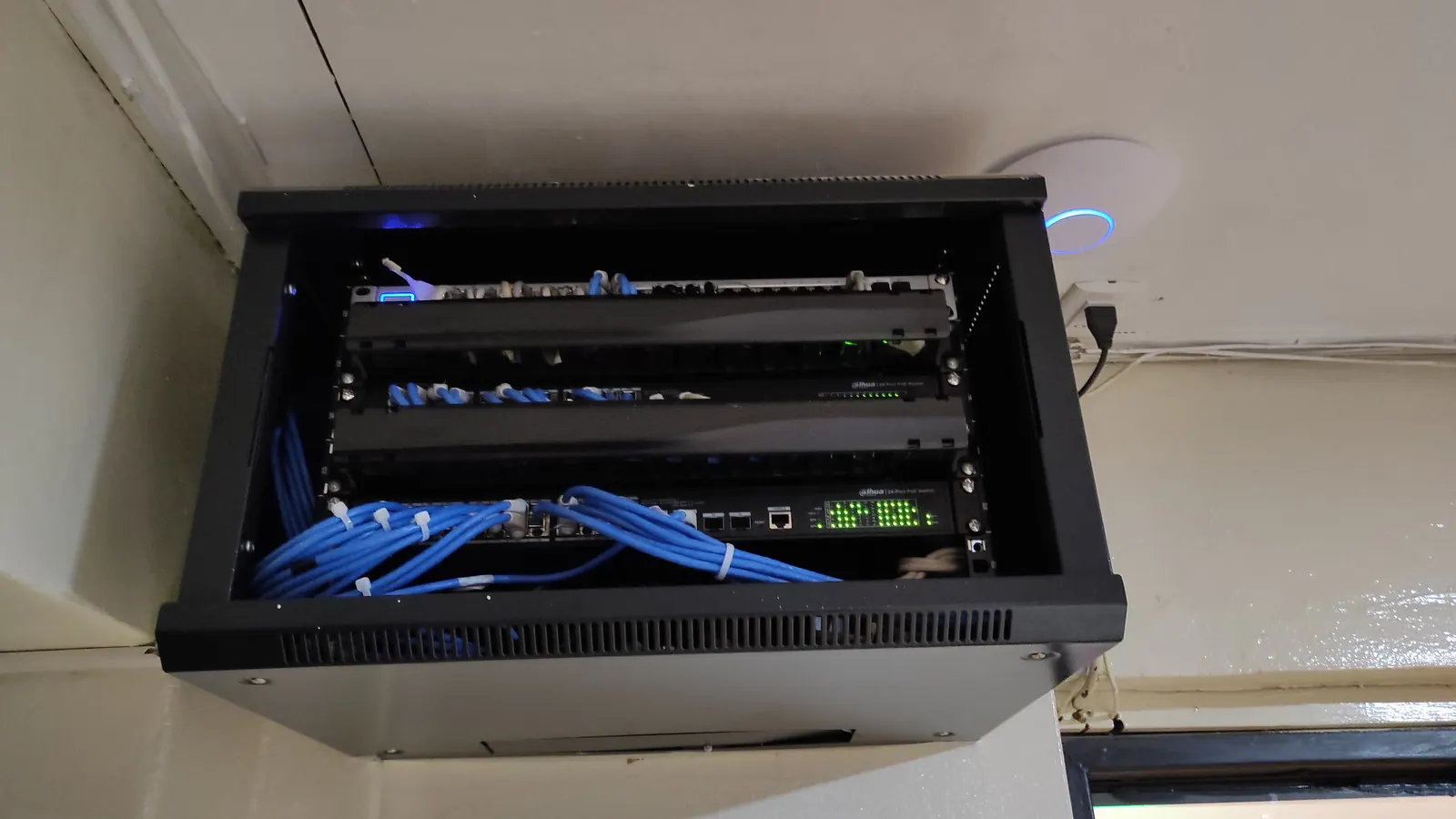
A common mistake is designing only for coverage — 'signal reaches everywhere' — and not for capacity: how many devices an access point can serve well before the experience degrades. A well-placed enterprise AP has plenty of coverage for a floor of guest rooms, but can hit its capacity ceiling much earlier in high-concentration zones like the lobby or breakfast room.
WiFi 6 or WiFi 6E access points handle significantly more simultaneous devices per radio than the previous generation, thanks to OFDMA and better spectrum use — a real difference in high-density zones, not just a marketing number.
The backbone: PoE+ switches, cabling and redundancy
Every access point needs real power and backbone bandwidth. PoE+ switches power the APs without additional electrical cabling — especially valuable in existing buildings where running new electrical lines is costly or simply impossible due to building constraints.
Cat6A structured cabling leaves plenty of headroom for several WiFi generations without re-cabling the building. And redundancy at the network core — two core switches instead of one, redundant inter-floor links — is what prevents a single failed switch from taking an entire hotel wing offline during peak season.
VLAN segmentation: guests, operations, CCTV and IoT
A single flat network for guests, hotel operations, security cameras and IoT devices (electronic locks, thermostats, sensors) is an unnecessary security risk and also a performance problem: a guest with a compromised device shouldn't be able to see, or even attempt to reach, the property management system (PMS) network or the cameras.
- Guest VLAN: isolated, no visibility into the rest of the network, with per-device bandwidth limits.
- Operational VLAN: PMS, point of sale, front-desk terminals — restricted, monitored access.
- CCTV VLAN: camera traffic separated, with no direct internet path except what's needed for authorized remote monitoring.
- IoT VLAN: locks, thermostats and sensors in their own segment, isolated from guests and operations.
This segmentation also improves perceived performance: guest streaming and video-call traffic can be prioritized over bulk downloads, without hotel operational traffic competing for the same bandwidth.
Captive portal and guest experience
A branded login portal is more than aesthetics: it's a marketing and data tool. It captures guest information with consent for post-stay campaigns and loyalty programs, and can offer tiered access — free basic WiFi and a premium, higher-bandwidth tier — generating an additional revenue stream.
Technically, the captive portal relies on RADIUS-style authentication to tie each session to a room or reservation, which also provides security traceability without friction for the guest.
Special zones: outdoors, events and technical areas
Pools, terraces, gardens and nearby trails need outdoor-rated access points, with IP protection suited to the local climate, and a coverage design that accounts for natural obstacles — vegetation, distance, and line of sight to the nearest AP.
Event spaces are the most demanding capacity scenario: hundreds of devices connecting simultaneously during a corporate event require dedicated APs with plenty of headroom, not the same coverage sized for the empty room's residual use the rest of the month.
Sizing checklist
- Professional site survey with an RF heat map, not a visual estimate.
- Device-density calculation by room type and common area.
- Contracted bandwidth with room to grow, not sized to today's minimum.
- WiFi 6/6E access points sized for capacity in high-concentration zones.
- Backbone with PoE+ switches, Cat6A cabling and core redundancy.
- Full VLAN segmentation: guests, operations, CCTV and IoT.
- Captive portal with RADIUS authentication and the hotel's own branding.
- Outdoor coverage sized for pools, terraces and trails.
- Dedicated capacity for event spaces, independent from the rest of the property.
Would rather do it with us?
This guide is the general framework. Every operation has its own specifics — in 45 minutes we review yours and tell you exactly where you stand.
Stay updated
One email per month with technical insights and infrastructure tips.