Operational Continuity Checklist for Remote Operations
Updated: July 20, 2026
A hotel in Patagonia, an agricultural estate, a mining operation, or a naval base share the same structural problem: when something fails, there's no technician 20 minutes away. Operational continuity at remote sites isn't solved by throwing budget in every direction — it's solved by designing redundancy where the risk is real and accepting it where it isn't. This checklist walks through the six pillars that separate a resilient remote operation from one that runs on luck.
Why remote operations carry a different risk profile
In a city, an infrastructure failure gets resolved in hours: there are competing vendors, spare parts in stock, and technicians available. At a remote site, the same failure can mean days of halted operation while a part is sourced or a trip is coordinated. The cost of an hour of downtime doesn't change with distance alone — but resolution time does, and that multiplies the total cost of the incident.
That's why continuity design for remote operations prioritizes differently than it would in an urban office: less focus on repair speed (which will take longer no matter the plan) and more focus on the redundancy that keeps a failure from becoming a real interruption.
Redundant connectivity: primary and failover
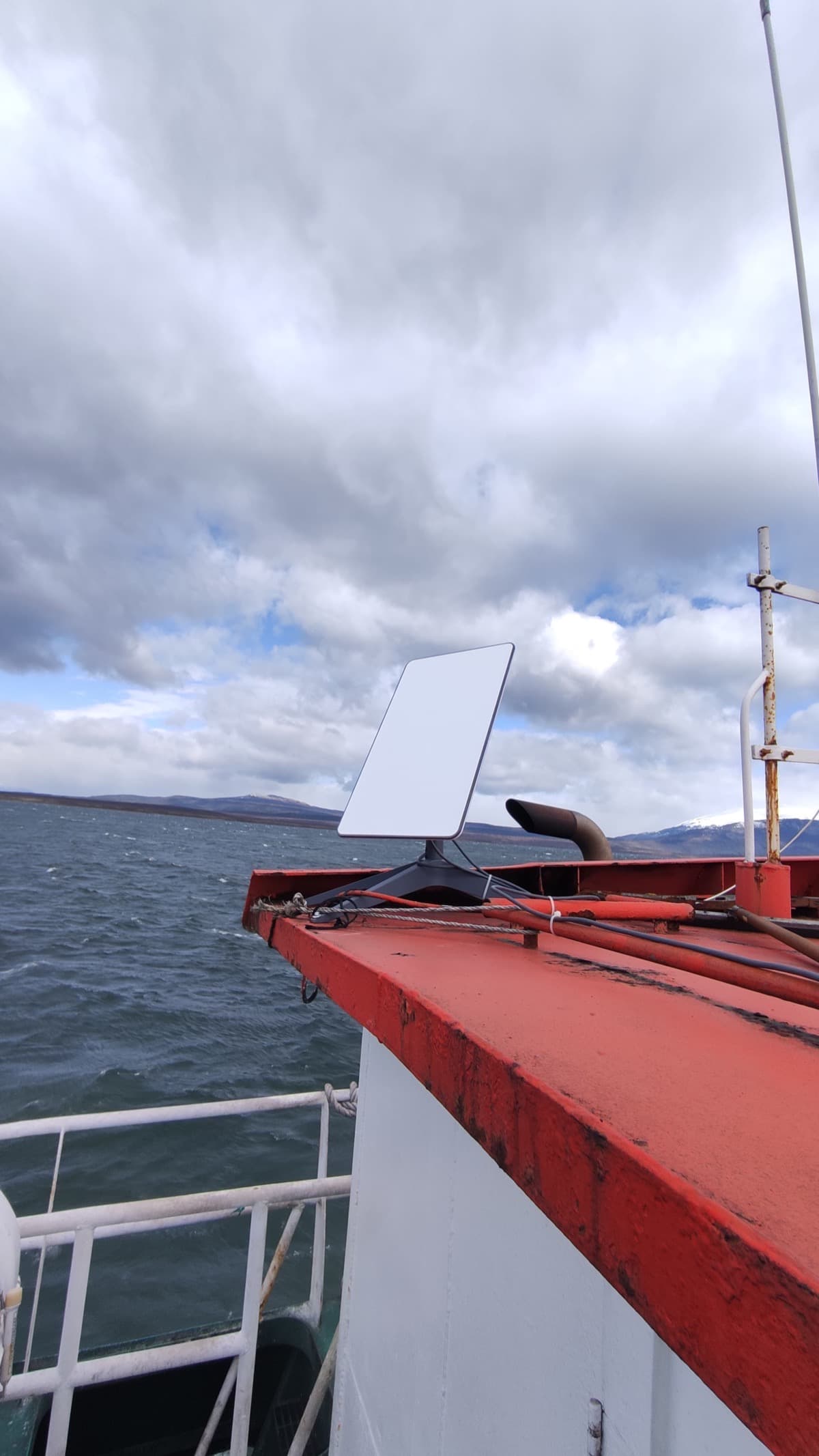
A single internet link — fiber, radio, or satellite — is a single point of failure, no matter how reliable the provider. The recommended architecture combines a primary link (fiber or radio, depending on local availability) with a backup link of a different technology, typically Starlink, connected through a router with automatic failover.
The different technology is the key part: if the primary and backup links depend on the same physical infrastructure (the same pole, the same provider, the same fiber route), there's no real redundancy. Starlink works as a backup precisely because it shares no physical point of failure with a terrestrial fiber or radio link.
- Dual-WAN router with automatic failover — no manual intervention needed to activate the backup.
- QoS configured to prioritize critical traffic (PMS, security systems, communications) over general traffic during failover.
- Active monitoring of latency and availability for both links, not just the primary one.
Power: UPS, generator, and automatic transfer
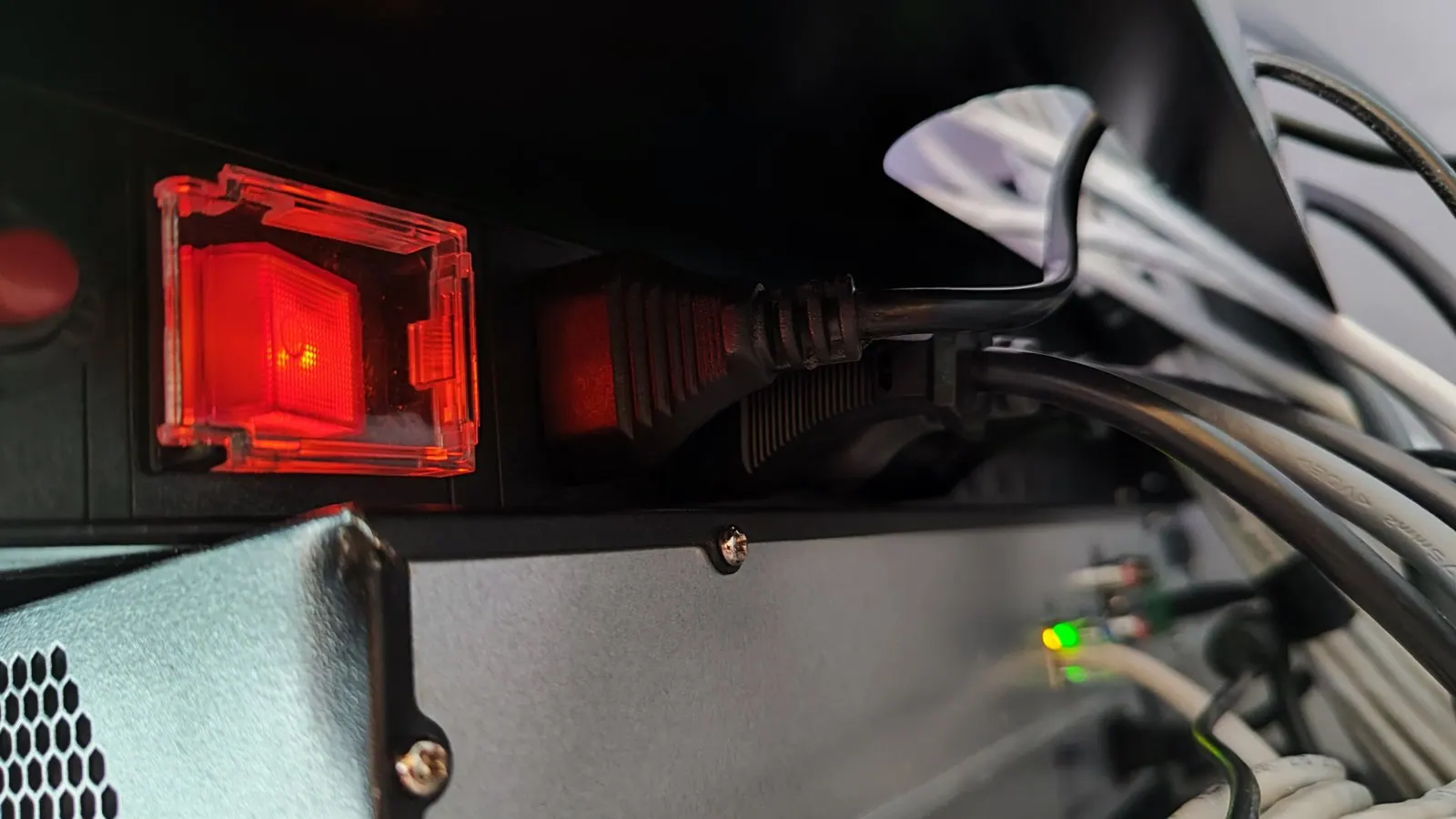
In areas far from urban centers, power outages are more frequent and longer. An online (double-conversion) UPS covers the first seconds and minutes without interruption, but for an operation that can't stop, the UPS is just the bridge to a generator with automatic transfer switching (ATS): when grid power drops, the ATS detects it and starts the generator within seconds.
UPS and generator sizing should include a minimum 30% margin above the current load, to avoid running at the limit and to allow for growth without redesigning the entire electrical installation a couple of years later.
Backup and recovery: define your RTO and RPO
A 3-2-1 backup strategy — 3 copies, on 2 different media, with 1 copy offsite — is the starting point, but it's not enough on its own. You need to explicitly define two numbers: RPO (how much data, measured in time, you're willing to lose — the last hour, the last day) and RTO (how long a system can stay down before the business suffers real damage).
At a remote site, the offsite copy matters even more: a fire, a flood, or a local theft shouldn't mean the total loss of operational data. And RTO has to be realistic about the site's actual logistics, not an aspirational number copied from a template.
Remote monitoring and proactive alerts
Without permanent on-site technical presence, centralized monitoring replaces 'someone noticing'. A dashboard with automatic alerts via email or instant messaging, watching UPS status, temperature, link availability, and critical equipment health, lets you catch a failure before it becomes an interruption — and trigger a scheduled maintenance trip instead of an emergency one.
The real value of proactive monitoring at remote sites isn't just detecting the failure — it's detecting it early enough to resolve without an urgent, costly trip.
Support when there's no IT on site
A remote help desk resolves most incidents without physical presence, but for the rest — hardware failure, a cut cable, equipment that needs replacing — the continuity plan needs to define in advance: which critical spares are kept in local stock, what response-time agreements exist with the vendor, and who coordinates the trip if one is needed.
- Local stock of the components most likely to fail: power supplies, spare switches, cabling.
- Preconfigured secure remote access to critical equipment, for diagnosis without a trip.
- A clear response-time agreement with the support provider, matched to the site's real logistics.
Physical and logical security at remote sites
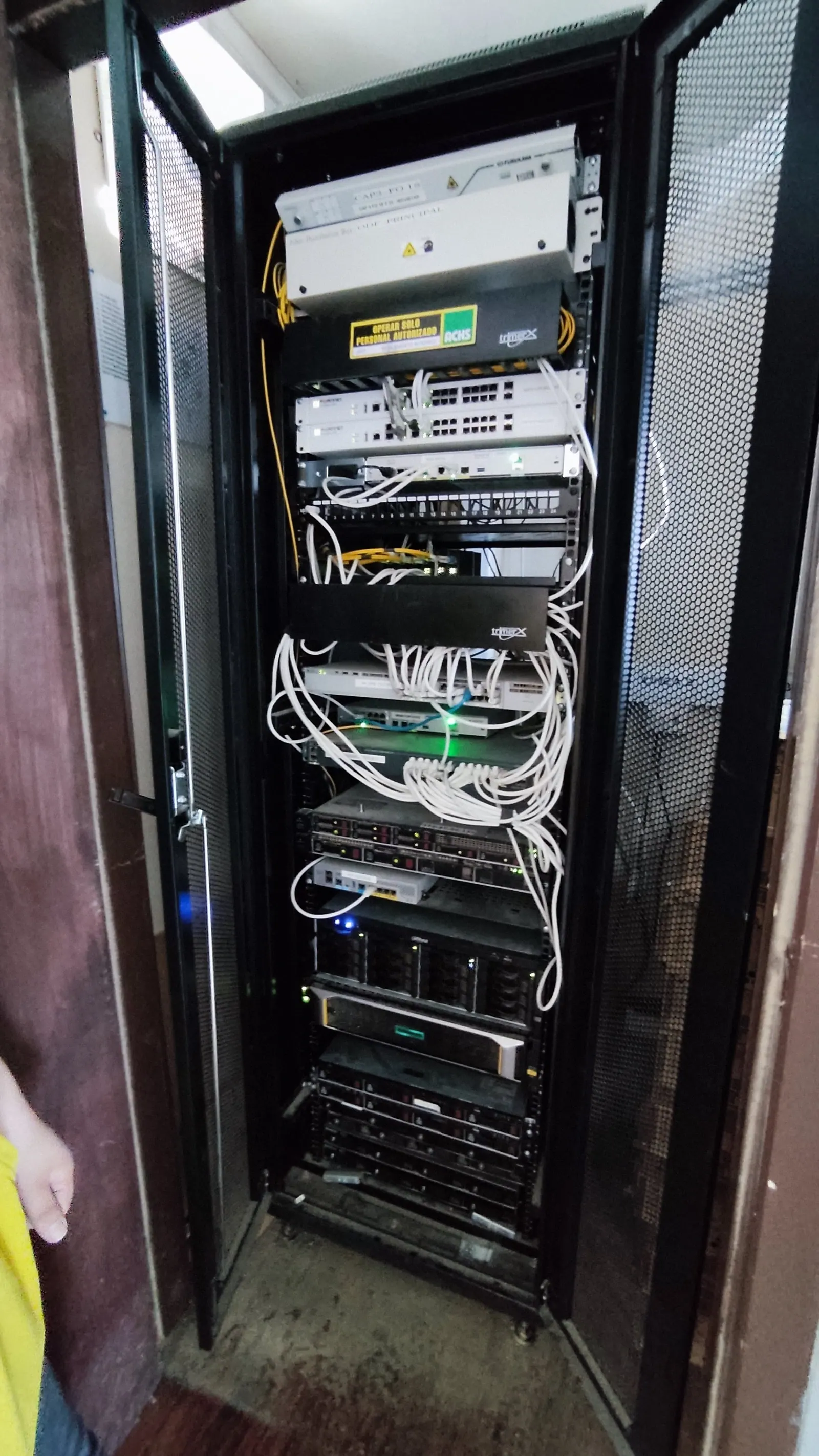
A remote site usually has less physical surveillance than an urban office, which makes rack security more important, not less: restricted access, a log of who enters the communications room, and cascaded surge protection, especially in areas with frequent lightning activity.
On the logical side, network segmentation and MFA on remote access reduce the attack surface at a site where no one will notice an anomaly visually for days.
The continuity plan: what needs to be in writing
A continuity plan that only exists in one person's head isn't a plan — it's an additional risk. The document needs to be accessible even if systems are down (a printed copy or an offline device counts), and it must answer, unambiguously, who does what in the first two hours of a major incident.
- Escalation contacts with a direct phone number, not just email.
- RTO and RPO defined per critical system, not a single number for the whole operation.
- Step-by-step activation procedure for the backup link and the generator.
- Last plan test date — a plan without a recent drill is an unvalidated plan.
Final operational continuity checklist
- Primary and backup links on different technologies, with automatic failover.
- UPS sized with a 30% margin and a generator with ATS.
- 3-2-1 backup with an offsite copy and RTO/RPO defined per system.
- Centralized monitoring with proactive, not reactive, alerts.
- Local stock of critical spares and preconfigured secure remote access.
- Network segmentation and MFA on all remote access.
- Continuity plan documented, accessible offline, and tested within the last 12 months.
Would rather do it with us?
This guide is the general framework. Every operation has its own specifics — in 45 minutes we review yours and tell you exactly where you stand.
Stay updated
One email per month with technical insights and infrastructure tips.